> ## Documentation Index
> Fetch the complete documentation index at: https://chatcli.edilsonfreitas.com/llms.txt
> Use this file to discover all available pages before exploring further.
# ChatCLI
> The CLI that brings the power of LLMs to your terminal. Multi-provider, agent mode, coder mode, K8s watcher, and much more.
**Your terminal becomes an AI engineer.** **ChatCLI** brings the leading large language models (LLMs) straight into your shell — it understands your project's context, edits code, runs commands and automates complex tasks, without you ever leaving the command line. A single **Go** binary: fast, portable and self-contained.
 OpenAI, Claude, Gemini, Grok, Ollama and more — in a single interface.
One unified catalog. Switch model at any time.
`@coder`, `@lsp`, `@proc`, `@http`, `@api-explorer`, `@knowledge`, `@memory` and many more.
ReAct · Reflexion · CoVe · RAG+HyDE · Self-Refine…
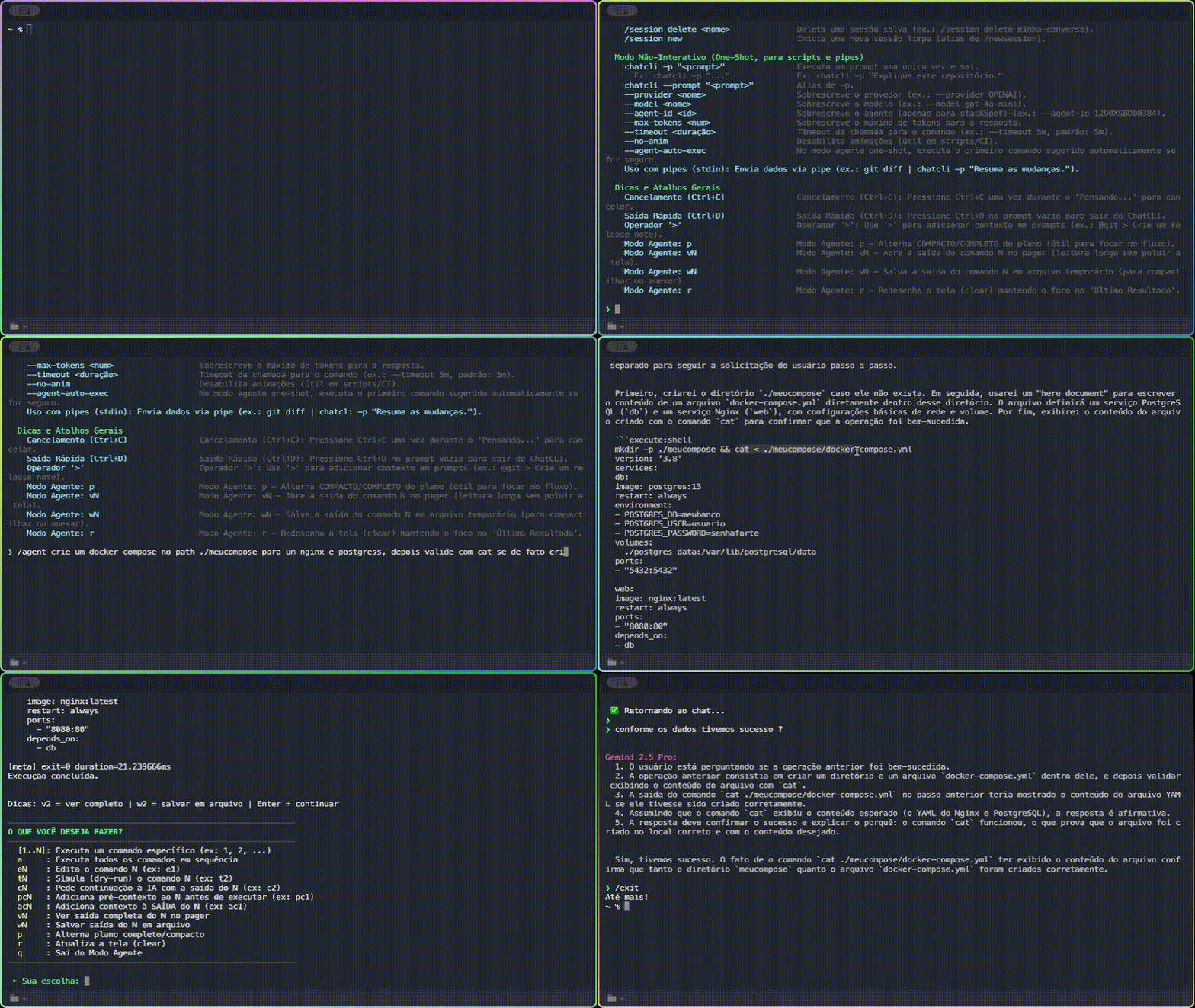
In practice, your everyday terminal turns into this:
```console theme={"system"}
$ chatcli
› @git write the commit message from the staged diff
⮑ feat(api): add pagination to the /users endpoint
› /agent fix the failing test in ./cli/plugins
⮑ plan: run tests → locate the failure → edit → re-verify ✓
› @diagram gomod root=. output=~/arch.svg
⮑ Diagram rendered → ~/arch.svg (SVG, 245 KB)
```
The **CLI is the main product** — it works 100% locally, no server required. The server and operator are optional for team and Kubernetes scenarios. All versions are published automatically on every release via GitHub Actions. Check the full history on [Releases](https://github.com/diillson/chatcli/releases) or [ArtifactHub](https://artifacthub.io/packages/search?repo=chatcli).
***
## Architecture
ChatCLI ships as three artifacts that **work standalone or together**: the local CLI, the gRPC server, and the Kubernetes operator. Use just the CLI on your terminal, or set up a full topology with server + operator for teams and production environments.
***
## Current versions
**1.186.1** — The binary you install and use in your terminal. Interactive mode, agent, coder, smart context, and remote server connection.
OpenAI, Claude, Gemini, Grok, Ollama and more — in a single interface.
One unified catalog. Switch model at any time.
`@coder`, `@lsp`, `@proc`, `@http`, `@api-explorer`, `@knowledge`, `@memory` and many more.
ReAct · Reflexion · CoVe · RAG+HyDE · Self-Refine…
In practice, your everyday terminal turns into this:
```console theme={"system"}
$ chatcli
› @git write the commit message from the staged diff
⮑ feat(api): add pagination to the /users endpoint
› /agent fix the failing test in ./cli/plugins
⮑ plan: run tests → locate the failure → edit → re-verify ✓
› @diagram gomod root=. output=~/arch.svg
⮑ Diagram rendered → ~/arch.svg (SVG, 245 KB)
```
The **CLI is the main product** — it works 100% locally, no server required. The server and operator are optional for team and Kubernetes scenarios. All versions are published automatically on every release via GitHub Actions. Check the full history on [Releases](https://github.com/diillson/chatcli/releases) or [ArtifactHub](https://artifacthub.io/packages/search?repo=chatcli).
***
## Architecture
ChatCLI ships as three artifacts that **work standalone or together**: the local CLI, the gRPC server, and the Kubernetes operator. Use just the CLI on your terminal, or set up a full topology with server + operator for teams and production environments.
***
## Current versions
**1.186.1** — The binary you install and use in your terminal. Interactive mode, agent, coder, smart context, and remote server connection.
`brew install chatcli` · `go install` · [binary](https://github.com/diillson/chatcli/releases)
**1.186.1** — Centralized deployment for teams. Clients connect via `chatcli connect` and share LLM providers, sessions, and plugins.
`ghcr.io/diillson/chatcli:1.186.1`
**1.186.1** — Autonomous incident detection, AI-powered analysis, and automated remediation for Kubernetes clusters. 17 CRDs, 54+ actions.
`ghcr.io/diillson/chatcli-operator:1.186.1`
**1.186.1** — Distributed via ArtifactHub and OCI registry on GHCR.
`oci://ghcr.io/diillson/charts/chatcli`
`oci://ghcr.io/diillson/charts/chatcli-operator`
***
## Quick start
```bash theme={"system"}
chatcli
```
Done — you're chatting with an LLM in your terminal, with full access to your project context.
***
## Highlights
Four pillars that define ChatCLI:
Delegate tasks with {'/agent'}: the AI plans, executes with your approval and self-corrects — with built-in safety against dangerous actions.
Software engineering with {'/coder'}: reads, edits, applies patches and runs tests in a loop with automatic rollback.
15 providers and 350+ models — OpenAI, Claude, Gemini, Grok, Ollama… switch at any time, from a single interface.
7 reliability patterns (ReAct, Reflexion, CoVe, RAG+HyDE, Self-Refine…) opt-in via `/config quality`.
And, in the same binary:
{'@read'}, {'@search'}, {'@tree'} narrow read-only + {'@todo'} (TodoWrite parity) + {'@coder multipatch'} transactional. Architectural parity with Claude Code.
Inject context with {'@file'}, {'@git'}, {'@command'}, {'@env'}, and {'@history'}. Your environment straight into the AI prompt.
14 built-in specialist agents (File, Coder, Shell, Git, Search, Planner, Reviewer, Tester...) in parallel.
Live run observability, shared kanban board, agent-to-agent mail, and an autonomous plan → develop → review → deliver playbook.
Create personas with reusable skills in Markdown. Version-controlled with Git, shareable across teams.
Monitor K8s workloads in real time. Operator with 17 CRDs, 54+ remediation actions, log analysis, and metrics.
Cron, wait-until, DAG, and daemon mode. Jobs survive CLI restarts. Agents schedule their own follow-ups.
Helm charts published to ArtifactHub with automated CI/CD, 17 documented CRDs, and OCI registry.
{'/compact'} compacts history preserving what matters. {'/rewind'} and Esc+Esc go back to any point.
Lifecycle hooks (pre/post tool, session start/end), native WebFetch and WebSearch to enrich context.
***
## Problems ChatCLI solves
No more `cat file.js`, selecting text, Ctrl+C, opening the browser, pasting, and typing your question. Use `@file` directly in the terminal.
`@git` + a question = perfect commit message based on the actual diff of your code.
Pipe directly to the AI: `cat error.log | chatcli -p "root cause?"` — instant diagnosis.
`@file ./src --mode smart` and ask: "how does auth work?" — onboarding in minutes.
***
## Who is ChatCLI for?
Debug code, understand codebases, generate tests, refactor, and document — all without leaving the terminal.
Analyze K8s logs, automate deploys, diagnose incidents with AI, and monitor clusters.
Supercharge your terminal, create powerful aliases, and explore new ways to interact with AI.
Automate repetitive tasks, analyze queries, manage databases, and data pipelines.
***
## Next steps
Homebrew, binary, go install, from source, Docker, and OAuth.
Essential commands, modes, and navigation in the interactive prompt.
Practical recipes: agent refactoring, log debugging, K8s monitoring, AIOps in production.
REST endpoints for the server and operator: incidents, SLOs, runbooks, analytics, federation.
***
## Recent updates
The full release history — every major and minor version — lives in the **Changelog**. Patches and hotfixes ship to [GitHub Releases](https://github.com/diillson/chatcli/releases), the source of truth.